Headless Plexamp Receiver
Headless Plexamp Receiver
#Plexamp #iPodHi-Fi
I have a stack of two iPod Hi-Fi units in my office that I enjoy using as my ambient room sound as I progress through my day-to-day computering. I also have an older Mac mini (M1, 2020) that I use as an accessory server to run my ScanSnap iX500 scanner, package label printer, and this unit also connects to the Hi-Fi units as my Plexamp audio endpoint.
This works great for me as I happen to need the mini to run these other items. During some reworking of my office, I also recently tried out an alternative that is much smaller and much less involved than a whole ass computer.
So what's the setup?
Parts
Hardware
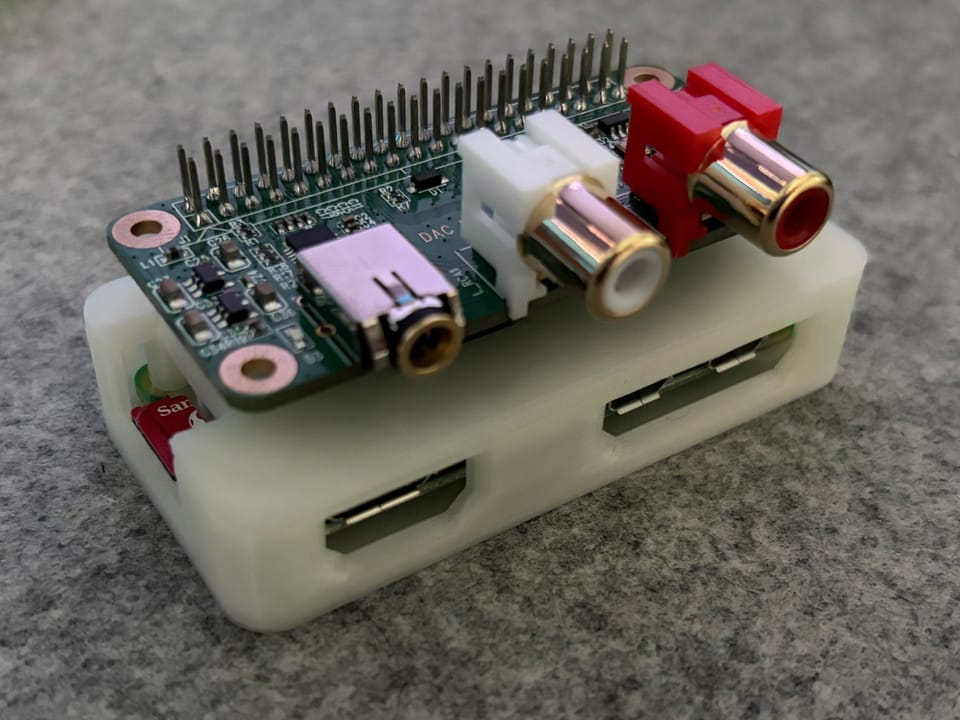
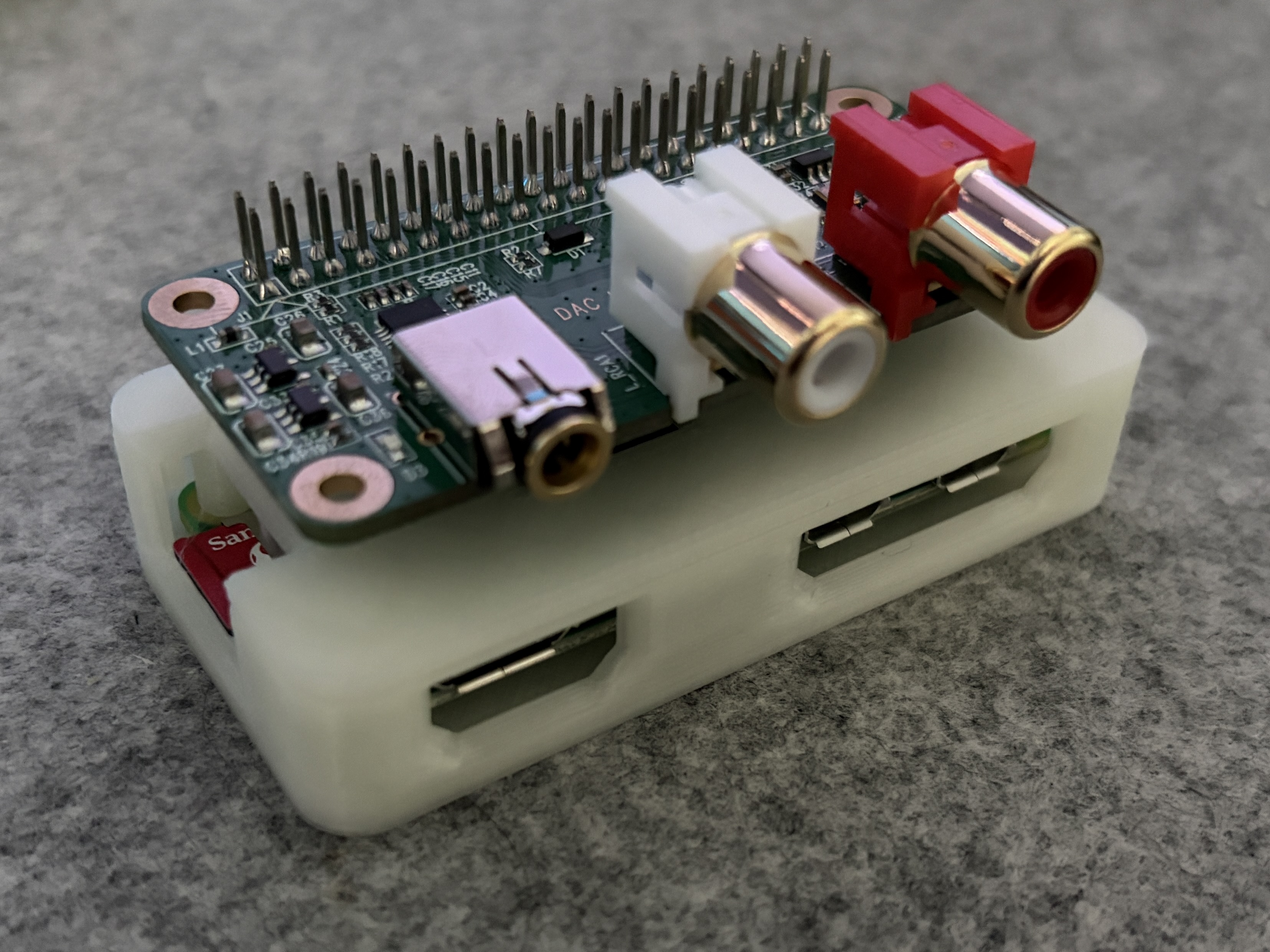
- Rasberry Pi Zero 2 W (with header pins)
- You could use other units as well, I just had one of these on hand.
- Inno-Maker RPI HIFI DAC Mini
- They also make DAC hats for other Pi models.
- Optional: 3D printed case for the Pi.
Software
- Standard Raspberry Pi OS install
- Caldera Headless
You don't need VNC, but if you want to do anything via the GUI remotely, you can enable VNC. Enable VNC over SSH Optional
- SSH into board
- `sudo raspi-config1
- Navigate to Interface Options. Press
Enterto select. - Select VNC. Press
Enterto select.
Enabling the DAC as an audio output
sudo nano /boot/firmware/config.txt- Add to the bottom of the file
dtoverlay=allo-boss-dac-pcm512x-audio - Reboot
Caldera Install Instructions
- https://caldera.homes/music/headless
- Output 1 is the 3.5mm and Output 2 is the RCA
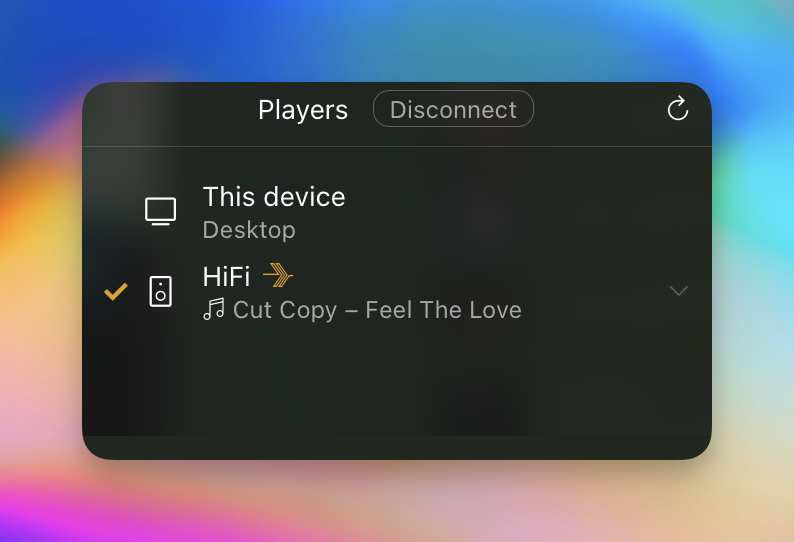
That should be it! You should now see this as a new audio destination in Plexamp. 🎉🎵
Member discussion